Note
Go to the end to download the full example code.
Animation Example#
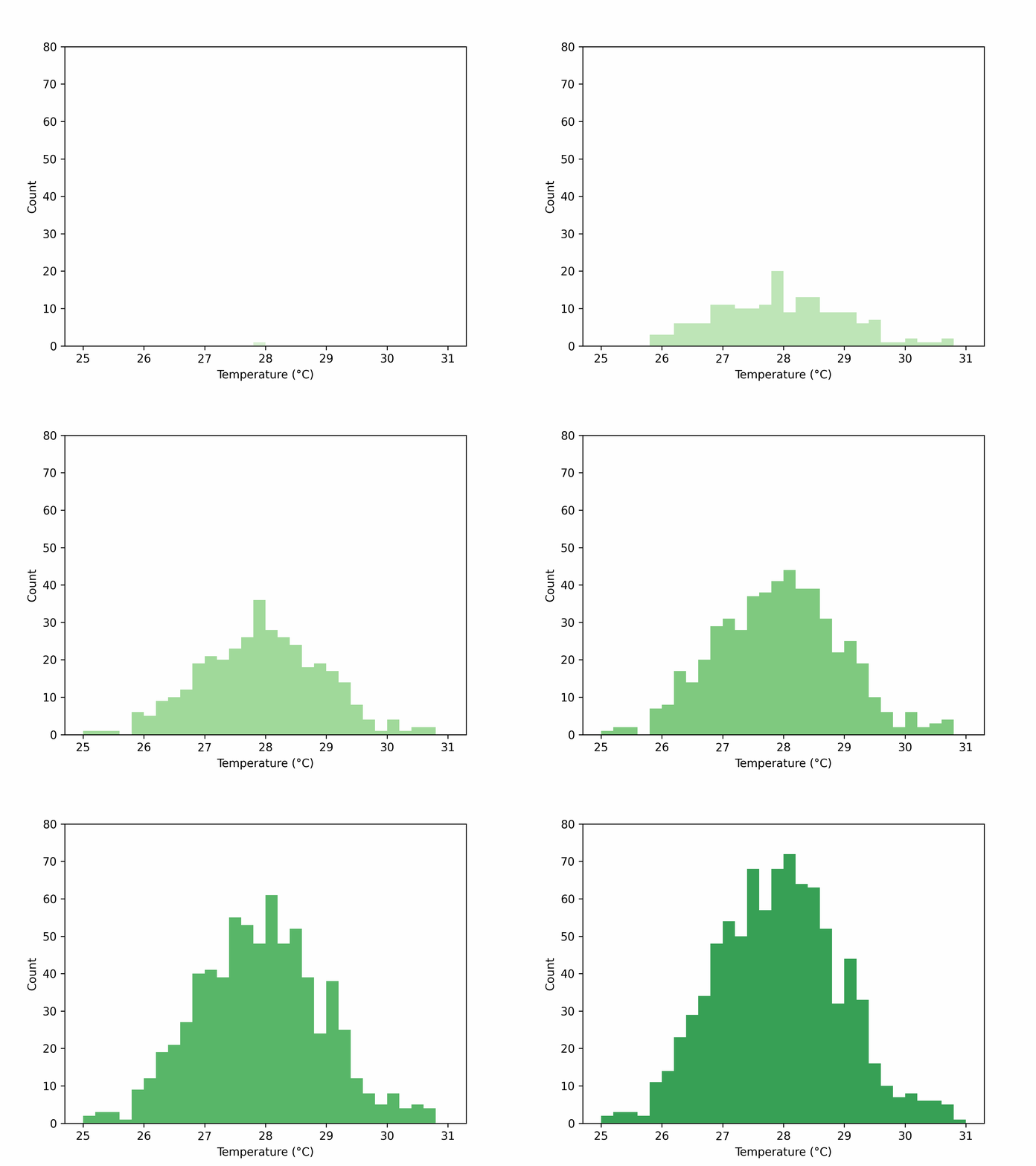
Example of how to make an animation.
Import packages#
from gerg_plotting import Data
from gerg_plotting import Histogram, Animator
import cmocean
import numpy as np
import matplotlib.pyplot as plt
from pathlib import Path
Let’s make some example data#
n_points = 10000
data = Data(temperature=np.random.normal(28,size=n_points))

# Let's create a histogram function to plot the data how we would like
def make_hists(sample,color):
    '''Plot Histogram based on sample size and color'''
    data_sample = data[:10*sample+1]  # Slice data
    hist = Histogram(data_sample)  # Init histogram plotter
    hist.plot('temperature',color=color,bins=30,range=(25,31))  # Plot 1-d histogram
    hist.ax.set_ybound(upper=80)  # Set the ybounds maximum to 80 for a clearer plot
    return hist.fig

samples = np.arange(90)
cmap = plt.get_cmap('Greens')
cmap = cmocean.tools.crop_by_percent(cmap,30,which='both')
colors = [cmap((idx*2)+10) for idx in samples]

gif_filename = Path('example_plots/animation_example.gif')
Animator().animate(plotting_function=make_hists,param_dict={'sample':samples,'color':colors},fps=12,gif_filename=gif_filename)
Saving figures to memory, n_iterations: 90
Total running time of the script: (0 minutes 23.305 seconds)